
ERP vs CRM in 2025: Key Differences ERP vs CRM in 2025: Key Differences Every […]
Top 5 Mistakes Business Make When Choosing ERP/CRM
Selecting the right ERP or CRM is one of the most important decisions a business can make. A wrong choice can lead to overspending, inefficiency, frustrated employees, and long-term operational challenges. This guide explains the top mistakes — and the correct actions you should take instead.

Did you know?
65% of ERP/CRM implementations fail on the first attempt — mostly due to poor planning and incorrect platform choices.
65% of ERP/CRM implementations fail on the first attempt — mostly due to poor planning and incorrect platform choices.
Why Choosing the Right ERP/CRM Matters
An ERP or CRM system touches every part of your business — sales, operations, finance, purchasing, inventory, HR, and customer service. A well-chosen system improves efficiency, increases visibility, reduces manual work, and boosts profitability. A poorly chosen one causes delays, confusion, rework, and costly re-implementation.
The Top 5 Mistakes — And What To Do Instead
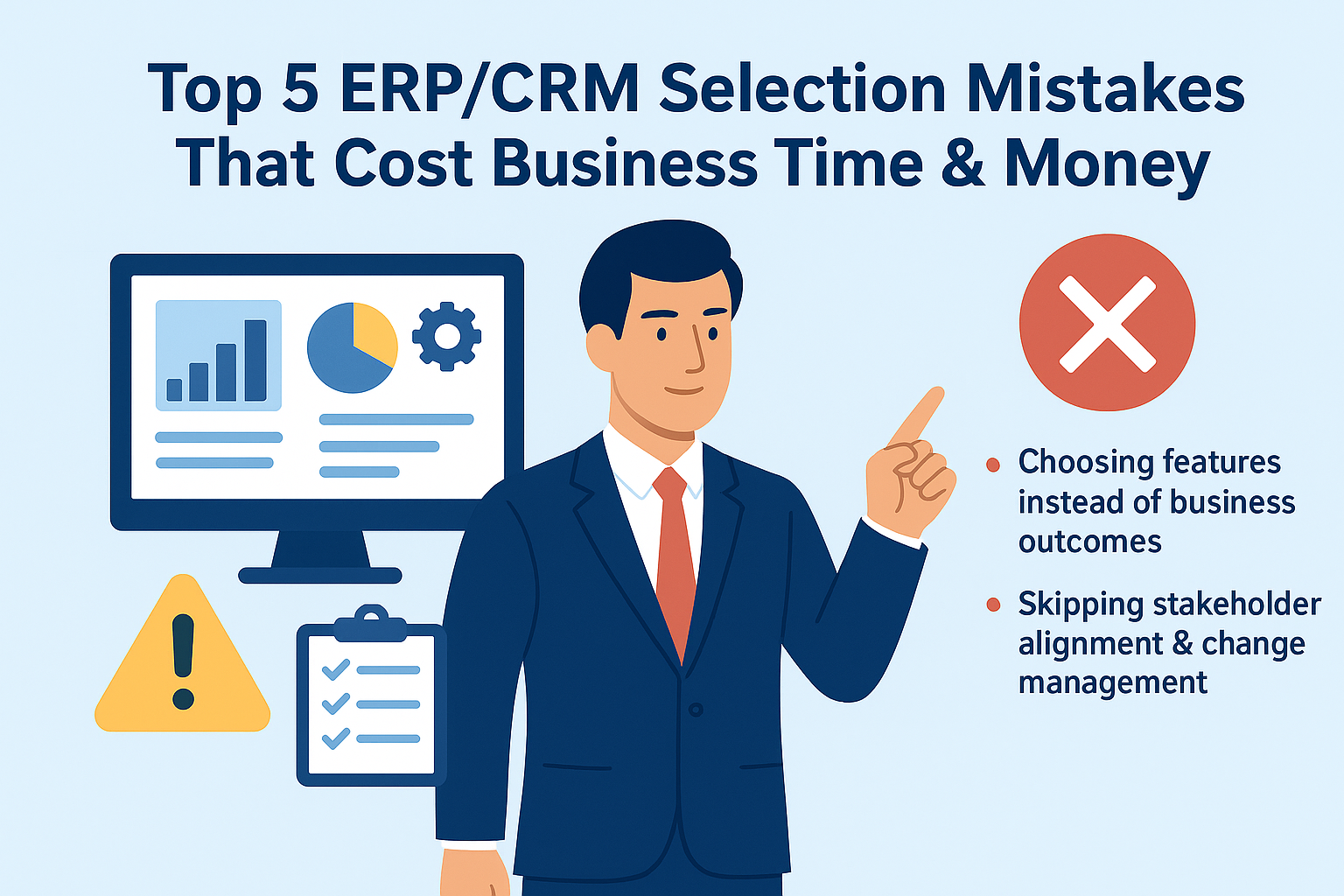
1. Choosing Features Instead of Business Outcomes
Many business compare tools based on feature lists — but more features often mean more clutter and higher costs. You don’t need more features; you need the right features that support clear business outcomes.
- Why this fails: You pay for modules you never use.
- Better approach: Define outcomes such as: “Reduce customer onboarding time by 50%” or “Automate inventory restocking.”
Tip: Create a simple one-page outcome-driven RFP. Ask vendors to demonstrate how they deliver those outcomes — not just features.
2. Skipping Stakeholder Alignment & Change Management
ERP/CRM implementation is not an IT project — it is a business transformation project. Without stakeholder alignment, adoption will fail.
- Involve cross-functional leaders from the beginning.
- Document pain points and workflows.
- Communicate how the new system benefits each team.
Warning: Lack of alignment is the #1 cause of ERP/CRM project failure.
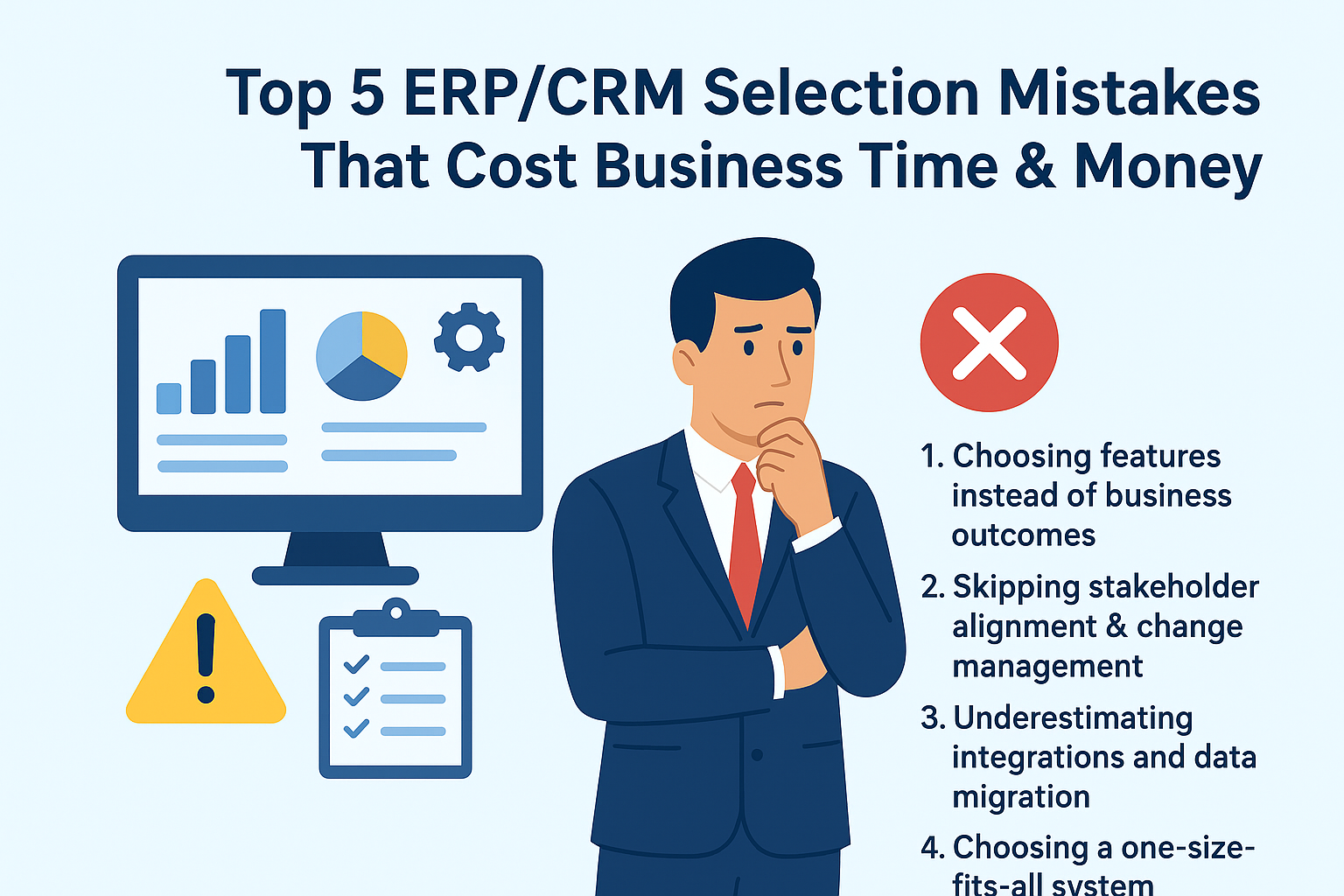
3. Underestimating Integrations and Data Migration
Integrations and data migration are more complex than expected. Ignoring them early leads to delays and inaccurate reporting.
- Audit all systems and data sources.
- Identify Excel-based dependencies.
- Check API limits and integration options before purchasing.
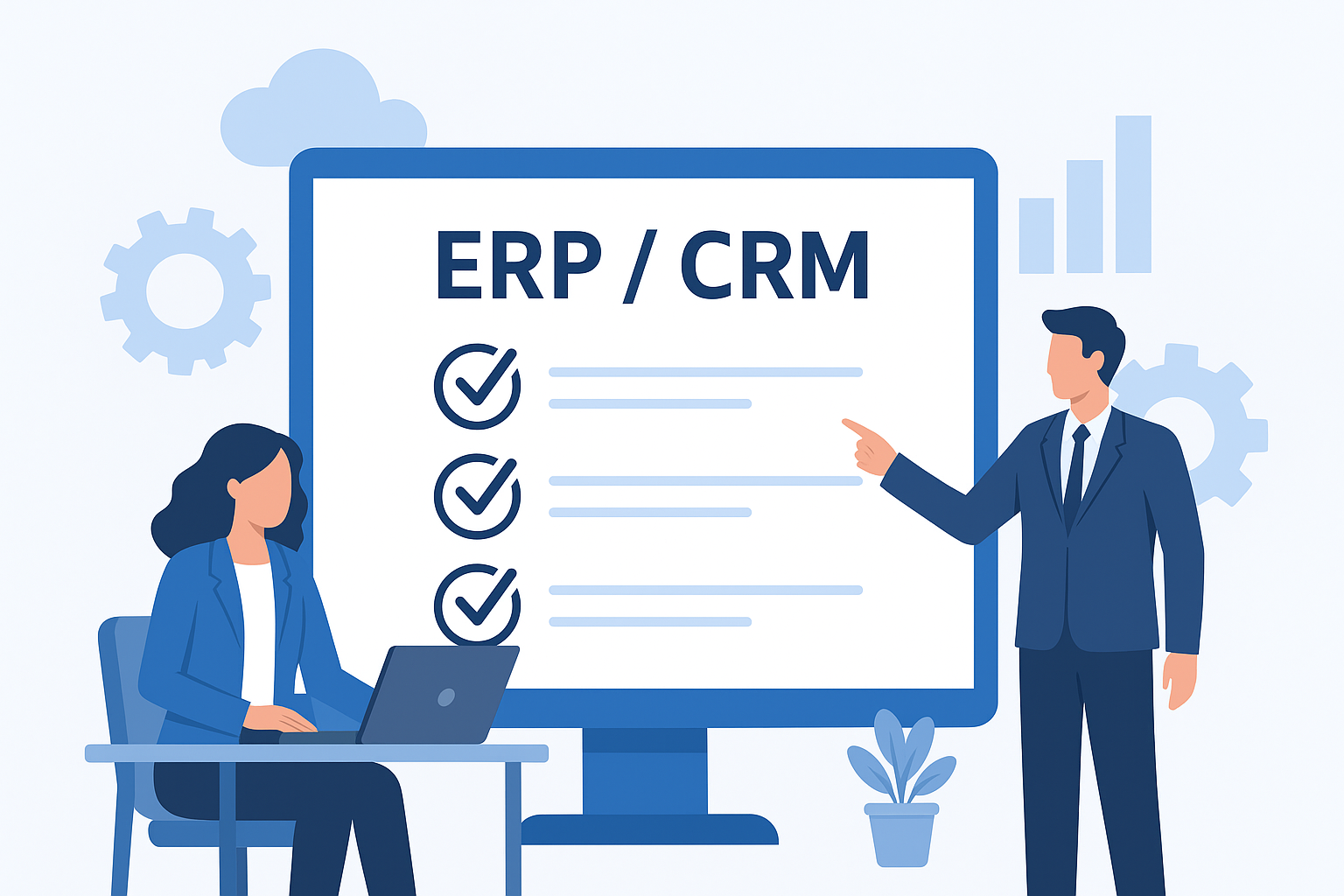
4. Ignoring Total Cost of Ownership (TCO)
A low initial price does not mean low long-term cost. Always calculate a 5-year cost projection.
- Licenses, add-ons, and modules
- Implementation services
- Training and support
- Custom workflows and integrations
- Data migration
Tip: Always create a 5-year cost sheet before committing.
5. Choosing a One-Size-Fits-All System
Every industry is different — your ERP/CRM must match your business domain. Generic systems rarely work for:
- Manufacturing scheduling
- Healthcare workflows
- Retail billing requirements
- Logistics routing
Choose a system with proven success in your industry — not just strong marketing.
Bonus: Additional Mistakes Business Often Miss
6. Not Running a Proof of Concept (POC)
Never rely on polished demos. Test your real workflows.
7. Over-Customizing Too Early
Start with standard features. Customization increases cost and complexity.
8. No Clear Internal Project Owner
Your ERP/CRM needs a dedicated owner — not shared responsibility.
Practical Selection Checklist (Step-by-Step)
- Define measurable business outcomes (3–6 points).
- Document workflows and bottlenecks.
- Shortlist vendors with proven industry experience.
- Ask for scenario-based demos using your real data.
- Evaluate integration capability, migration plan, and TCO.
- Run a 4–8 week POC.
- Plan training and adoption strategy.
How to Evaluate Demos (Scorecard)
- Outcome Fit (0–10)
- Process Coverage (0–10)
- Integration Complexity (0–10)
- Data Migration Feasibility (0–10)
- Cost Transparency (0–10)
- Vendor Stability (0–10)
- Industry References (0–10)
Real-World Case Examples
Case A — Feature Trap: A distributor bought a feature-heavy system that couldn’t support their dropshipping workflow — causing months of rework.
Case B — Integration Cost Overload: A manufacturing company underestimated integration needs; middleware ended up costing more than the ERP.
Case C — Poor Adoption: A hospital installed a CRM but provided no training, resulting in 70% of staff avoiding the system.
FAQs
How long does ERP/CRM selection take?
Small projects: 6–12 weeks. Larger projects: 3–6 months.
Which is better — ERP or CRM?
ERP manages operations and finance. CRM manages leads and customer interactions. Most business eventually need both.
Can I switch vendors later?
Yes, but switching is expensive. Keep data clean and integrations documented.
Do small business really need ERP?
Yes — especially when manual processes become bottlenecks.
Conclusion
The right ERP/CRM decision depends on clear goals, aligned stakeholders, realistic integration planning, and accurate TCO evaluation. Avoid these common mistakes to improve implementation success and long-term results.
Talk to an ERP/CRM AdvisorRelated Posts
How CRM Helps You Retain Festival Customers
How CRM Helps You Retain Festival Customers Use targeted CRM strategies to convert festival rush […]

Strategies for Building a Successful and Profitable E-Commerce Store
Strategies for Building a Successful and Profitable E-Commerce Store Introduction Launching a successful e-commerce business […]

Top 5 IT Skills to Get Hired in 2025
Top 5 IT Skills to Get Hired in 2025: Boost Your Career with These In-Demand […]